🌍
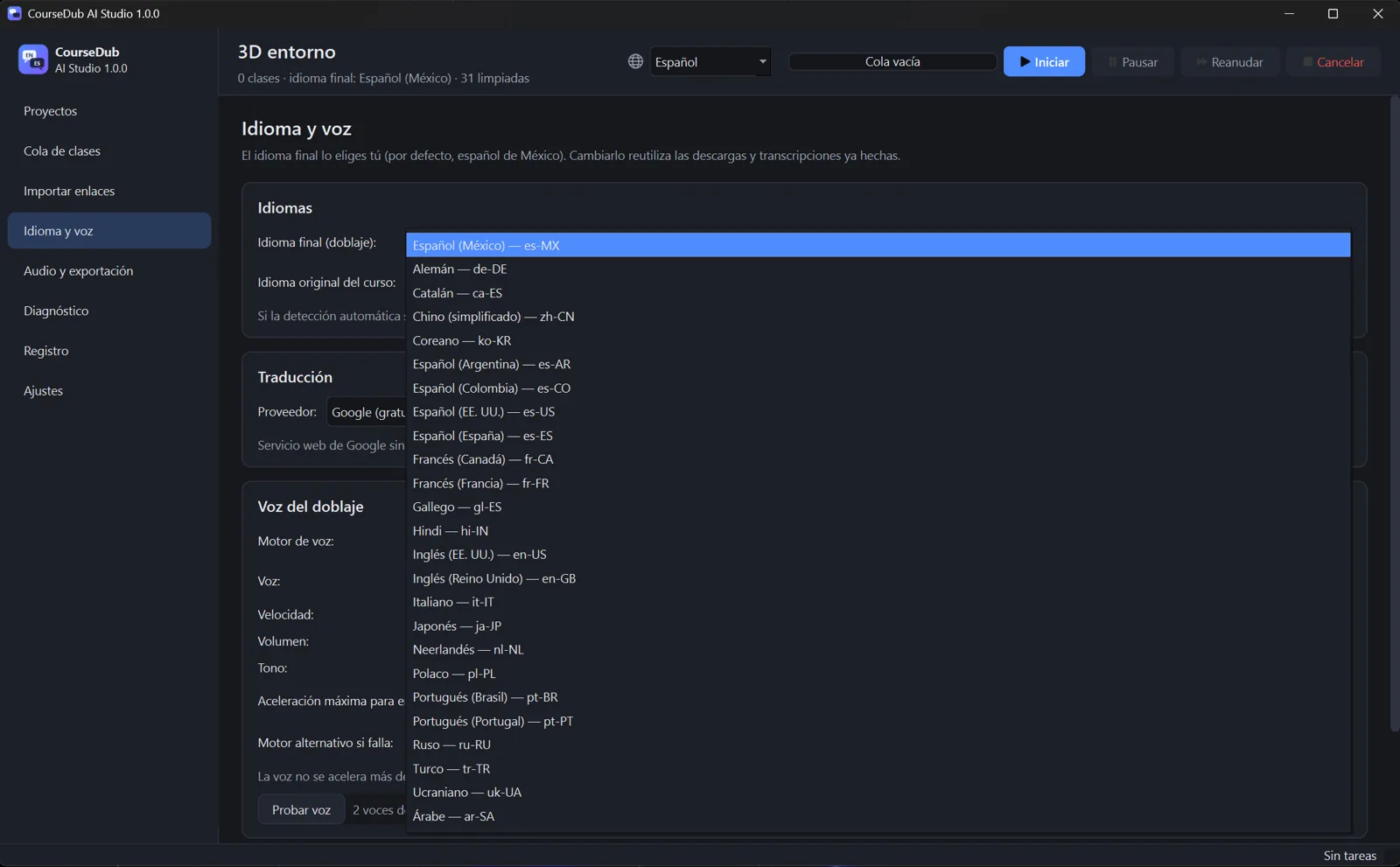
Dubbing in over 25 languages
Spanish, English, French, German, Portuguese, Japanese, Chinese, Arabic, Hindi and many more, including regional variants.
 Course DUB AI
Paste the links to your course lessons. Course DUB AI downloads them, writes down what the teacher says, translates it, adds a natural dubbed voice and gives you a new MP4 for every lesson.
Download free for WindowsWindows 10/11 · 64-bit · nothing to install
All the lessons at once, in any format: one per line, with titles, commas… Course DUB AI sorts them out.
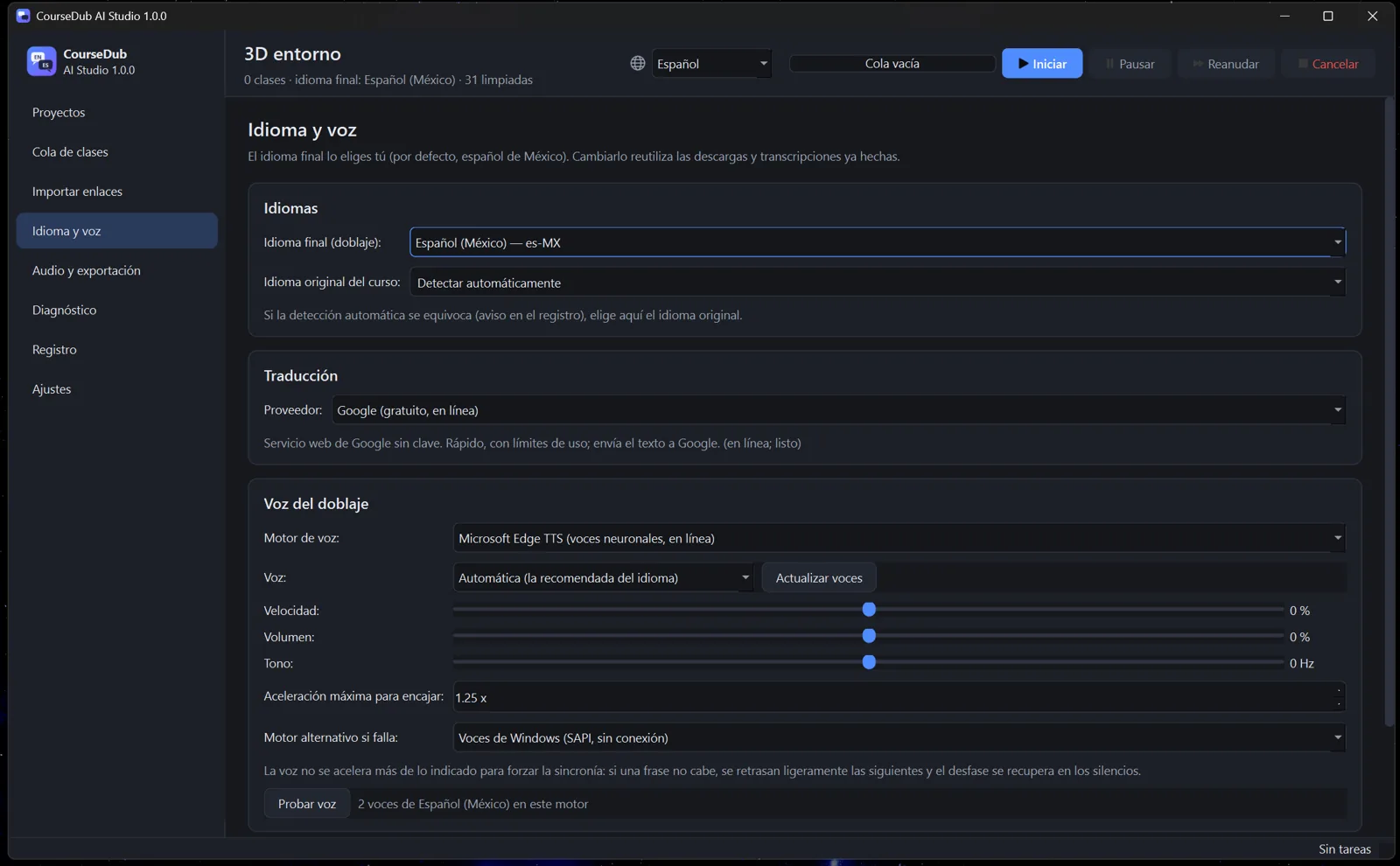
Pick the final language and the voice. The original language is detected automatically.
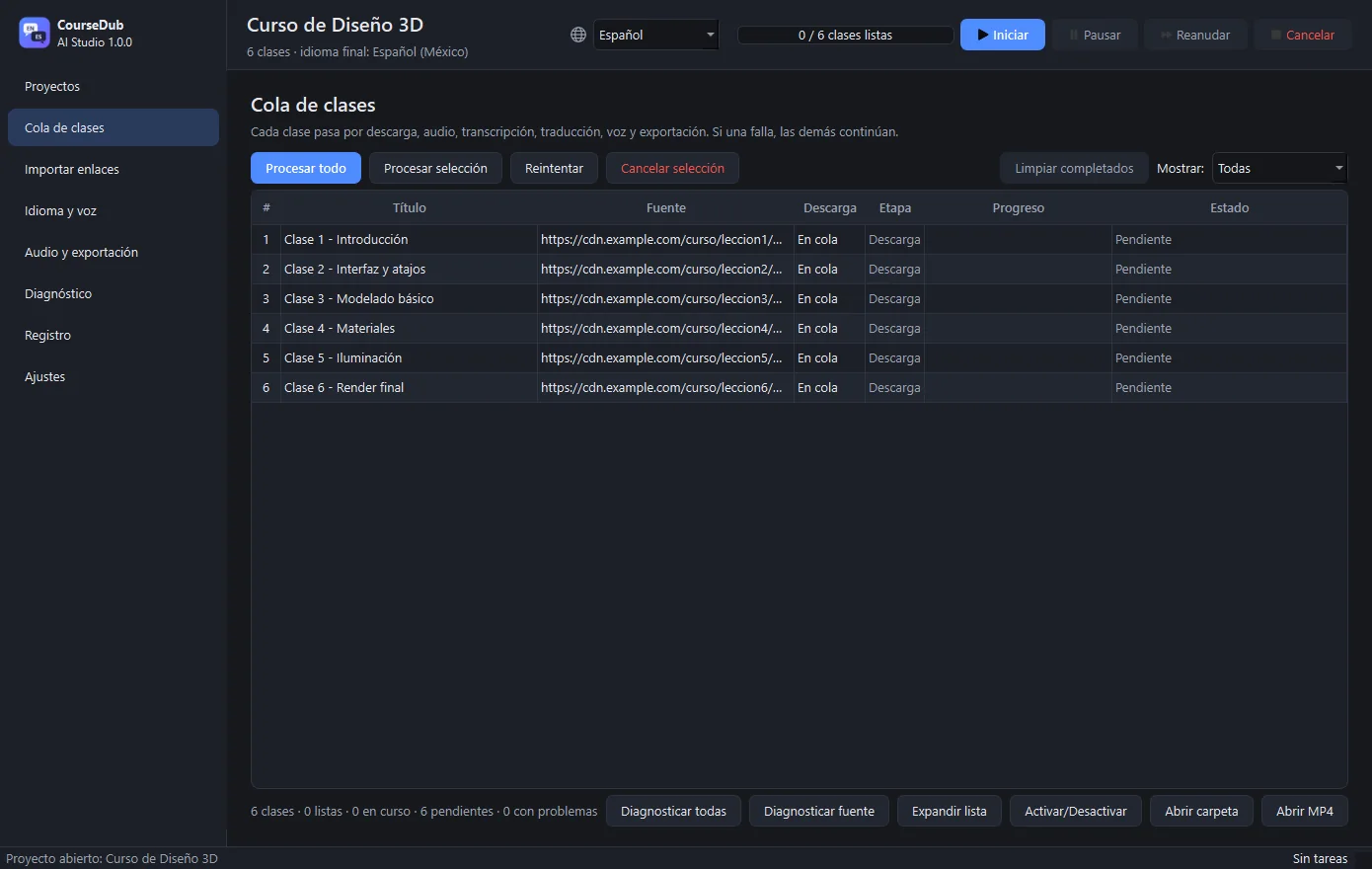
It downloads, transcribes, translates, dubs and exports. You can pause and continue whenever you want.
A new dubbed video per lesson and per language. The originals are always kept.
Spanish, English, French, German, Portuguese, Japanese, Chinese, Arabic, Hindi and many more, including regional variants.
Whisper AI runs on your own computer: fast with an NVIDIA graphics card, and it also works on the processor alone.
Neural voices by Microsoft Edge, with offline Windows voices as an automatic backup. Adjust speed, volume and pitch.
The dub is fitted to the teacher's timing, so what you hear matches what you see.
Downloads resume where they stopped. If you close the program, the next time it continues where it was.
Export .srt or .vtt subtitles, or embed them in the video. Keep the original audio at low volume if you wish.
Your projects live on your computer. Only plain text is sent to the translation and voice services.
The interface is available in 29 languages and starts in the language of your Windows.
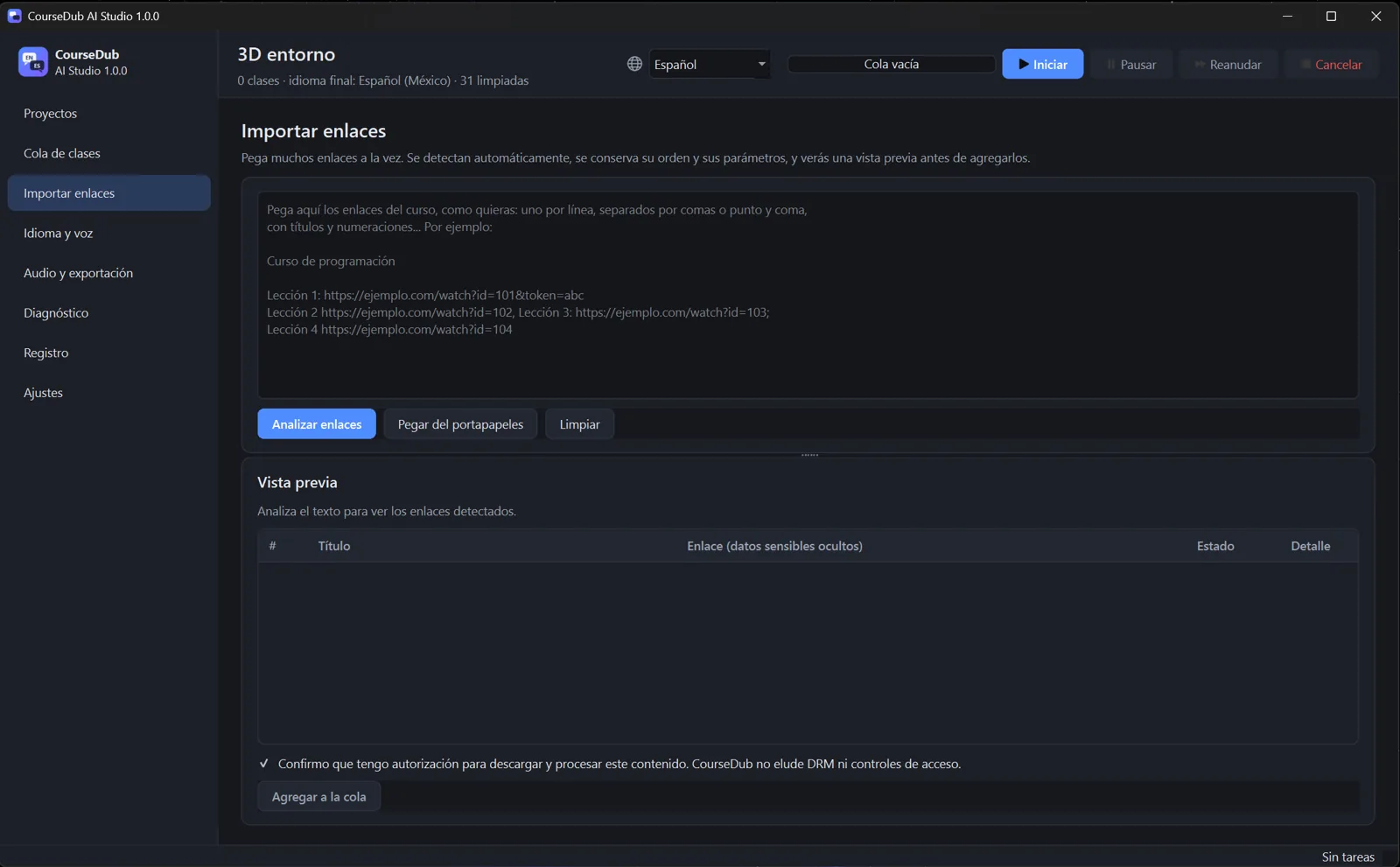
Course DUB AI does not bypass DRM or access controls. Protected content is detected and reported, and you confirm you are authorized before adding any link. Use it for courses you have bought or are allowed to watch.
Version 1.0.0 for Windows · free forever
Download (.rar, 1.4 GB)The download will be available very soon.
SHA-256 checksum:
Yes. There are no payments, no accounts, no ads and no time limit.
It works with the video sources that allow authorized downloads. Videos protected with DRM cannot be processed. Use “Diagnose all” in the queue to check every link without downloading anything.
No. With an NVIDIA card transcription is much faster; without one, the program uses the processor automatically.
In the folder of each project (Documents\CourseDubProjects by default), inside “output”. You can open the folder from the queue.
More than 25, including Spanish (Mexico, Spain, Argentina, Colombia, US), English, French, German, Italian, Portuguese, Japanese, Korean, Chinese, Hindi, Arabic, Russian, Turkish and Ukrainian.
Not for now. Course DUB AI is for Windows 10 and 11.
Compare the SHA-256 checksum shown in the download section with the one of your file (in PowerShell: Get-FileHash file.rar).